- Exterior 3D Visualization
- Interior 3D Visualization
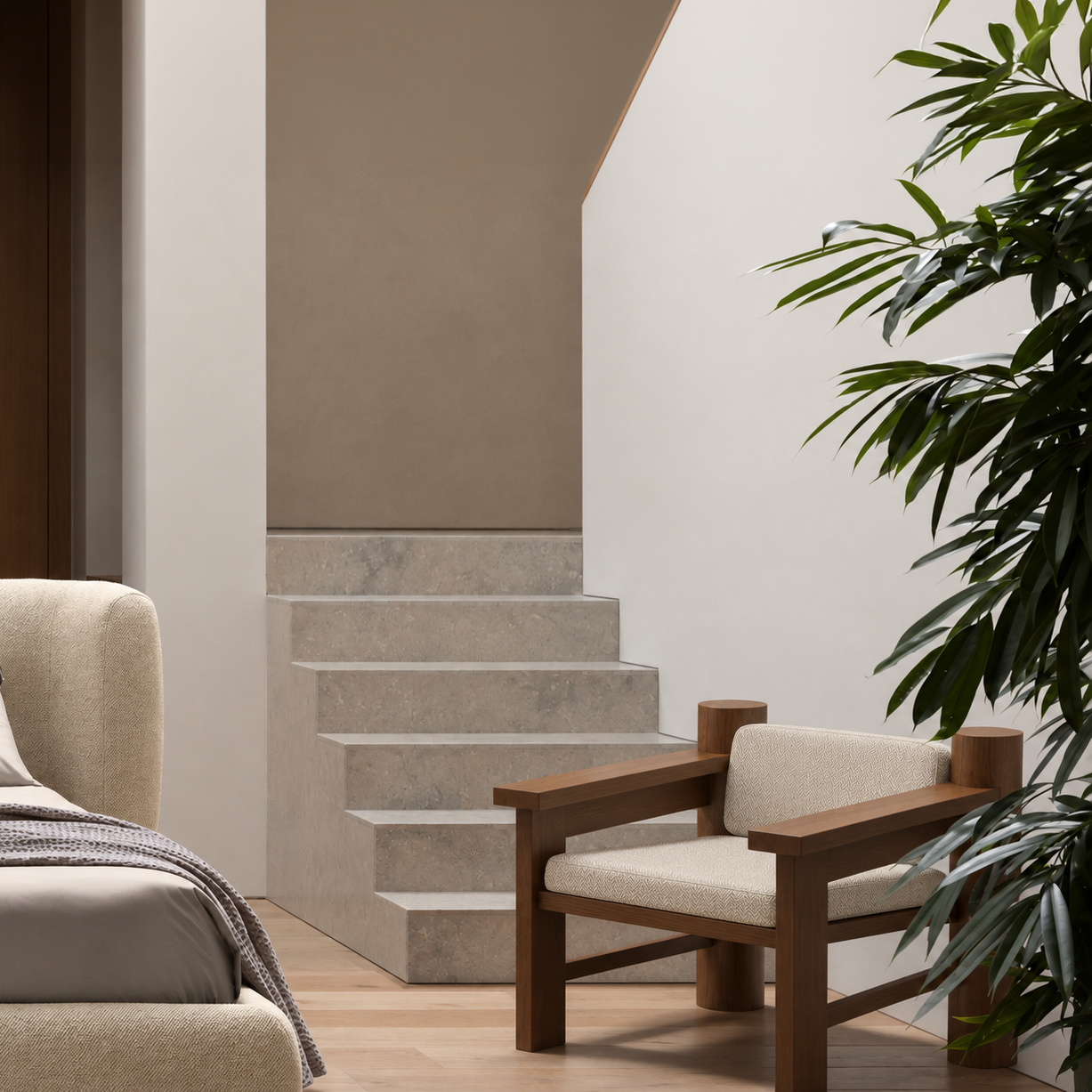
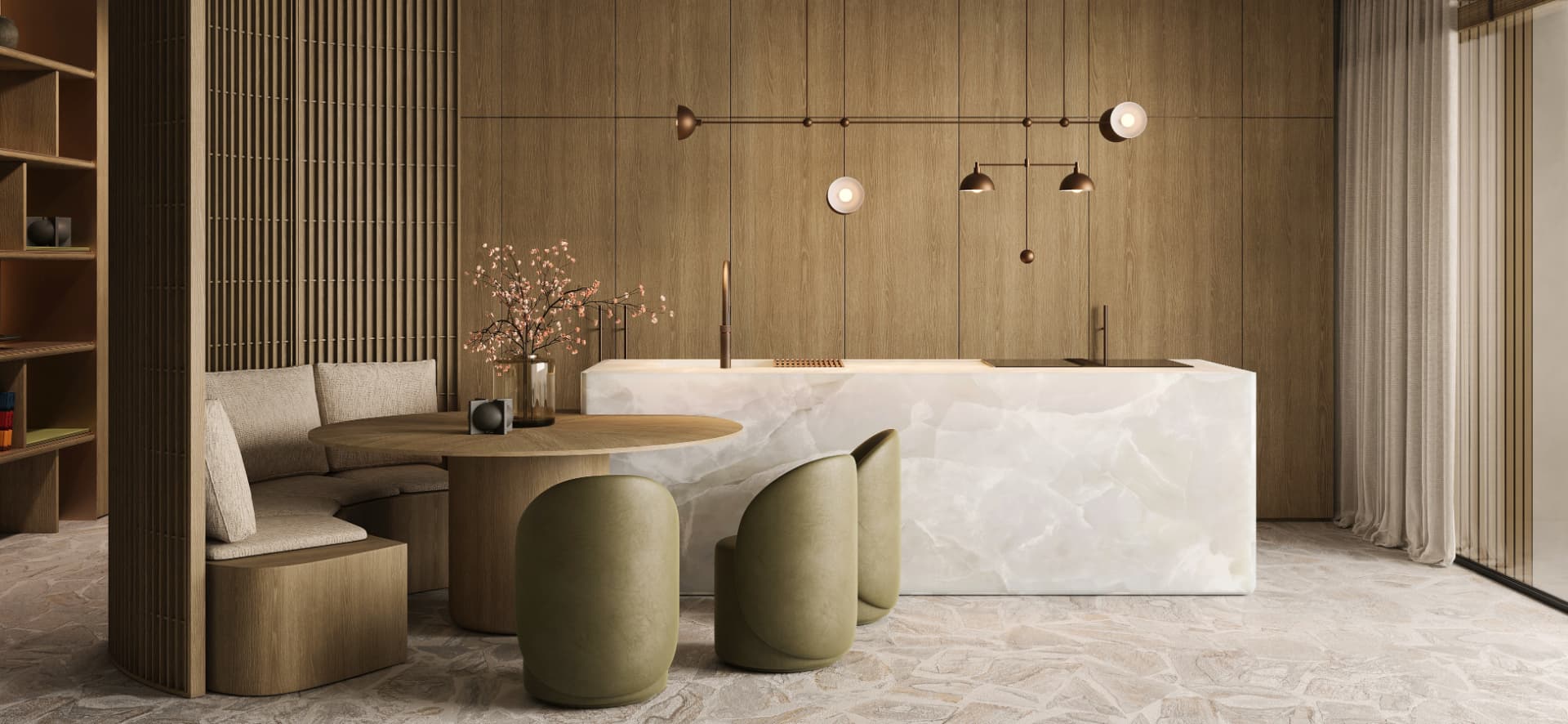
- Restaurant & Hotel Rendering
- Architectural Animation & Flythroughs
- Aerial View Renderings
- Social Media Content Packs
- 3D Virtual Tours
- Lifestyle Animation
- Property Landing Pages
- Property Websites & Sales Platforms
- Interactive Apartment Selector
- Apartment Customization Tools
- Drone Filming & CGI Integration
- Construction Progress Videos
- Interactive Masterplans
- 3D Product Visualization
- Lifestyle Product Rendering
- 3D Product Animation
- 360° Product Spins
- Product Color & Material Variations
- Interactive Product Configurators
- Website & Digital Sales Office
- Google Ads
- GEO: AI Search Optimization
- Meta Ads (Facebook & Instagram)
- Listing Portals & Marketplaces
- Influencer Marketing
- 3D Visualization & Video
- Social Media Management

One 3D Model.A full set of product visuals.
3D Product Rendering for E-commerce and Marketing.
We build one 3D model of your product and use it to create a consistent set of images for online stores, marketplaces, catalogs, and ads. Camera angles and lighting stay consistent across your collection.
White-Background Product Renders
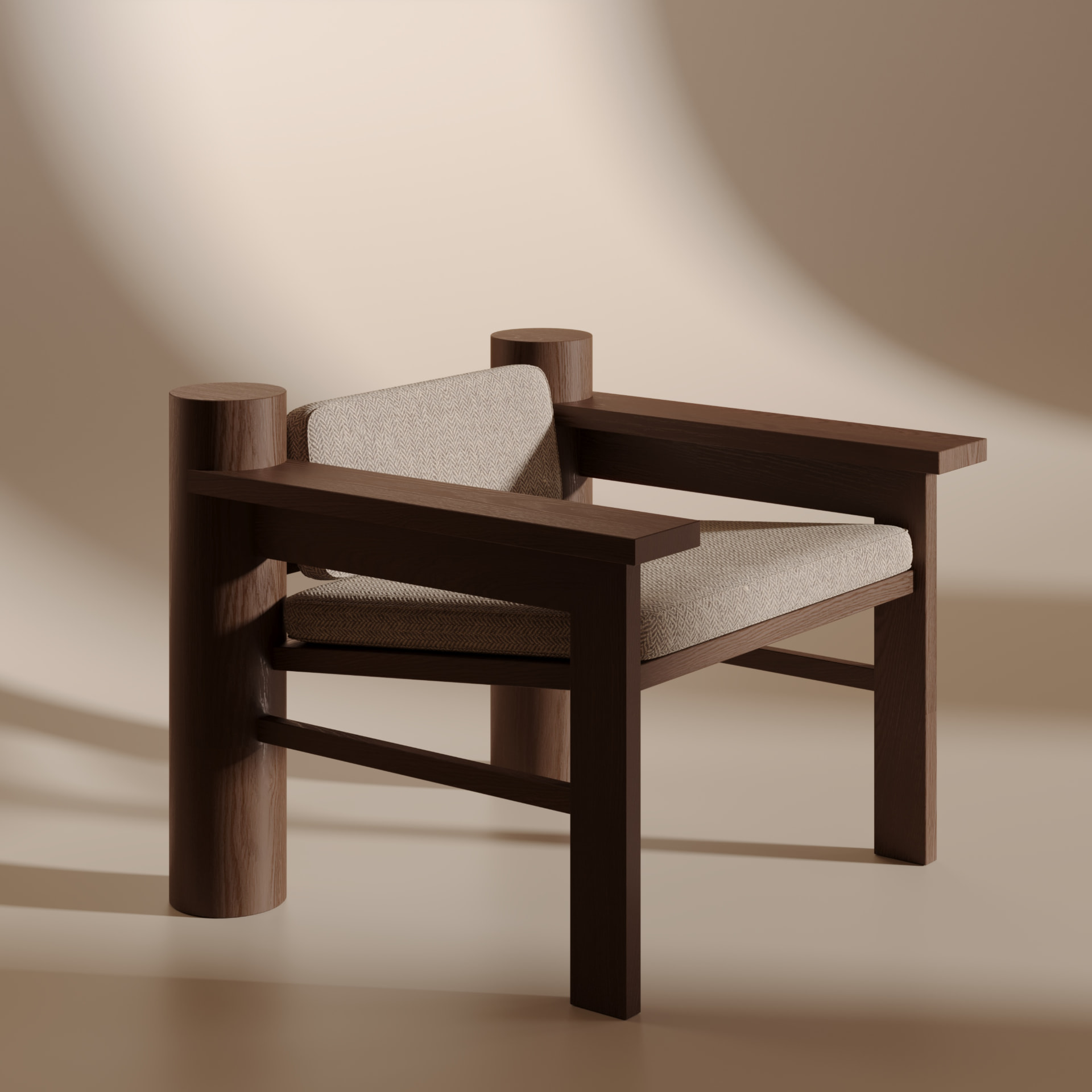
Show the product on a clean white background for your online store, Amazon, and other marketplaces.
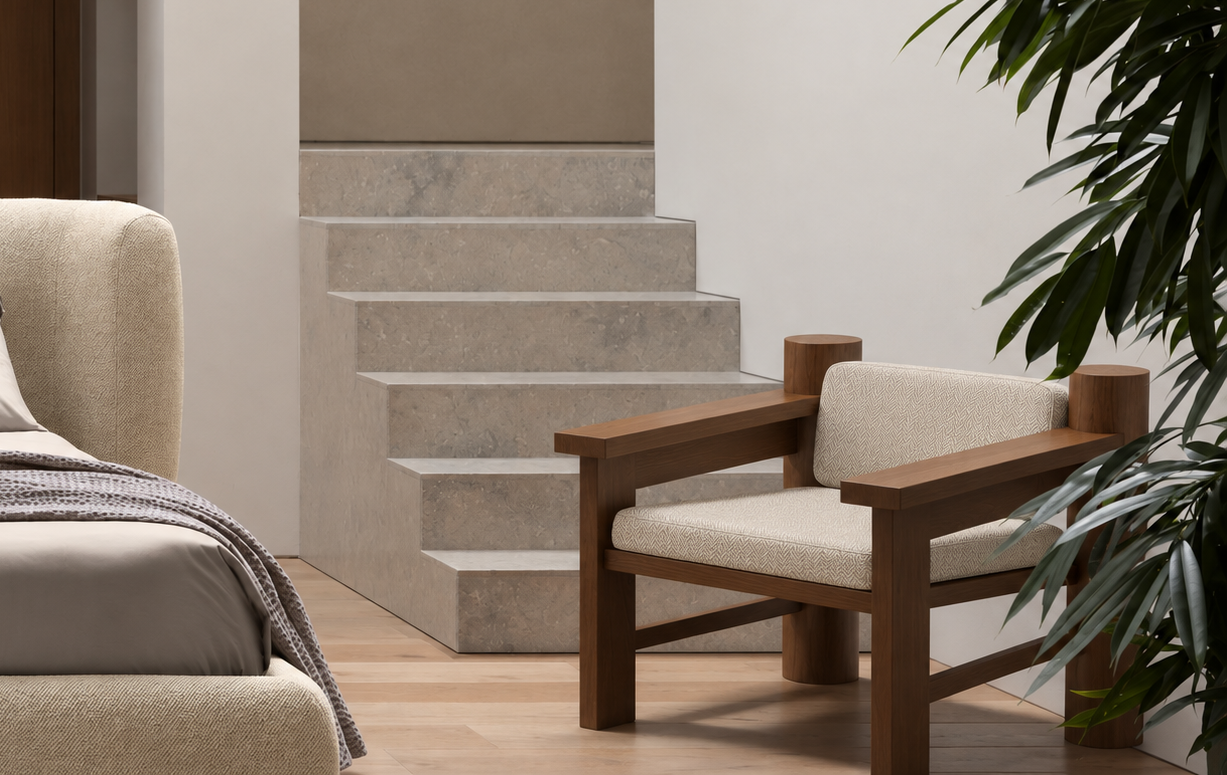
Lifestyle Product Renders
Place your product in a home, store, office, or outdoor scene for banners, social posts, and catalogs.
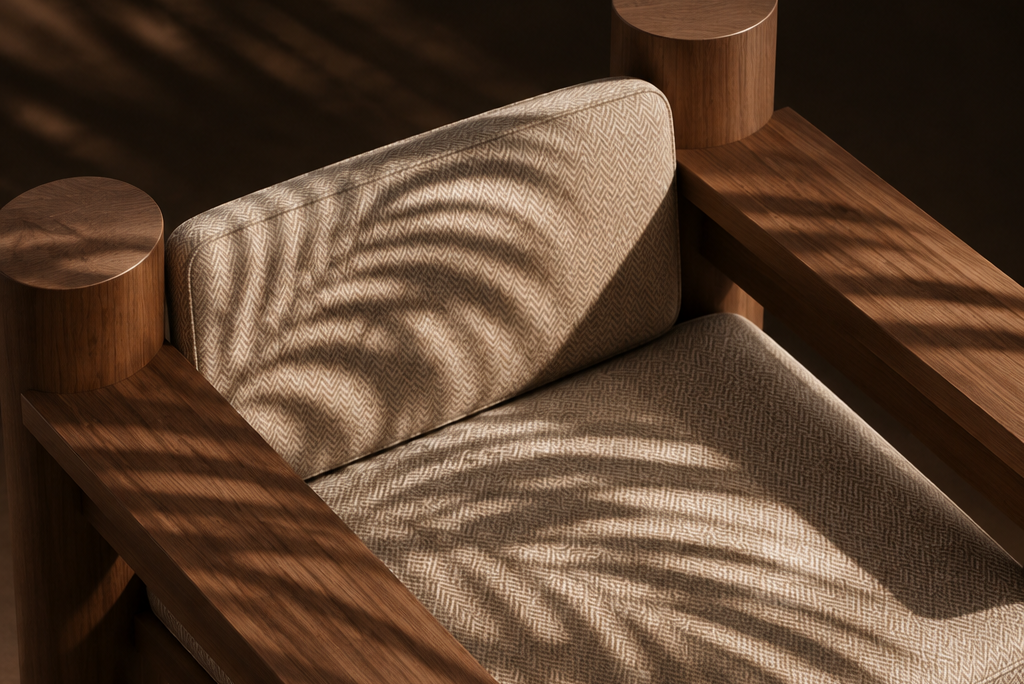
Material & Detail Close-Ups
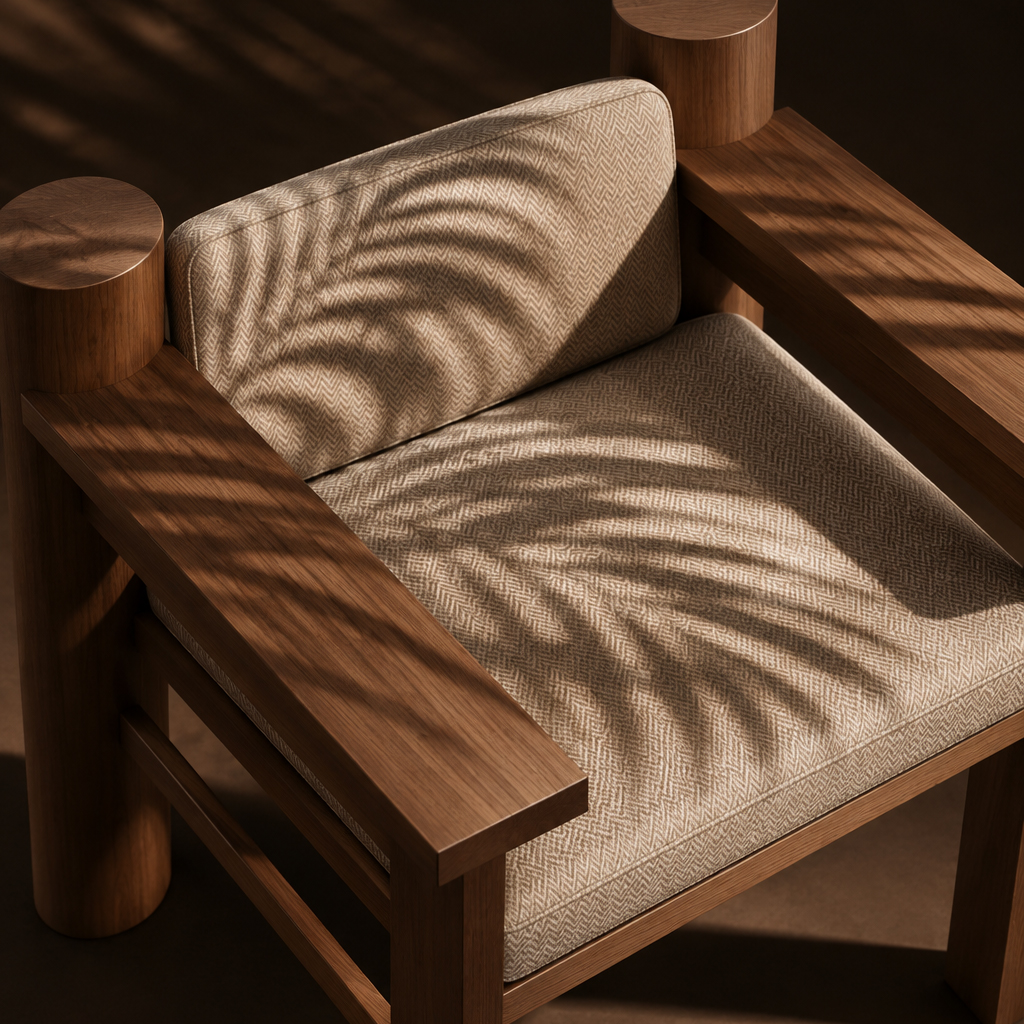
Show finishes, textures, and how parts fit together in close-up views for image galleries and spec sheets.
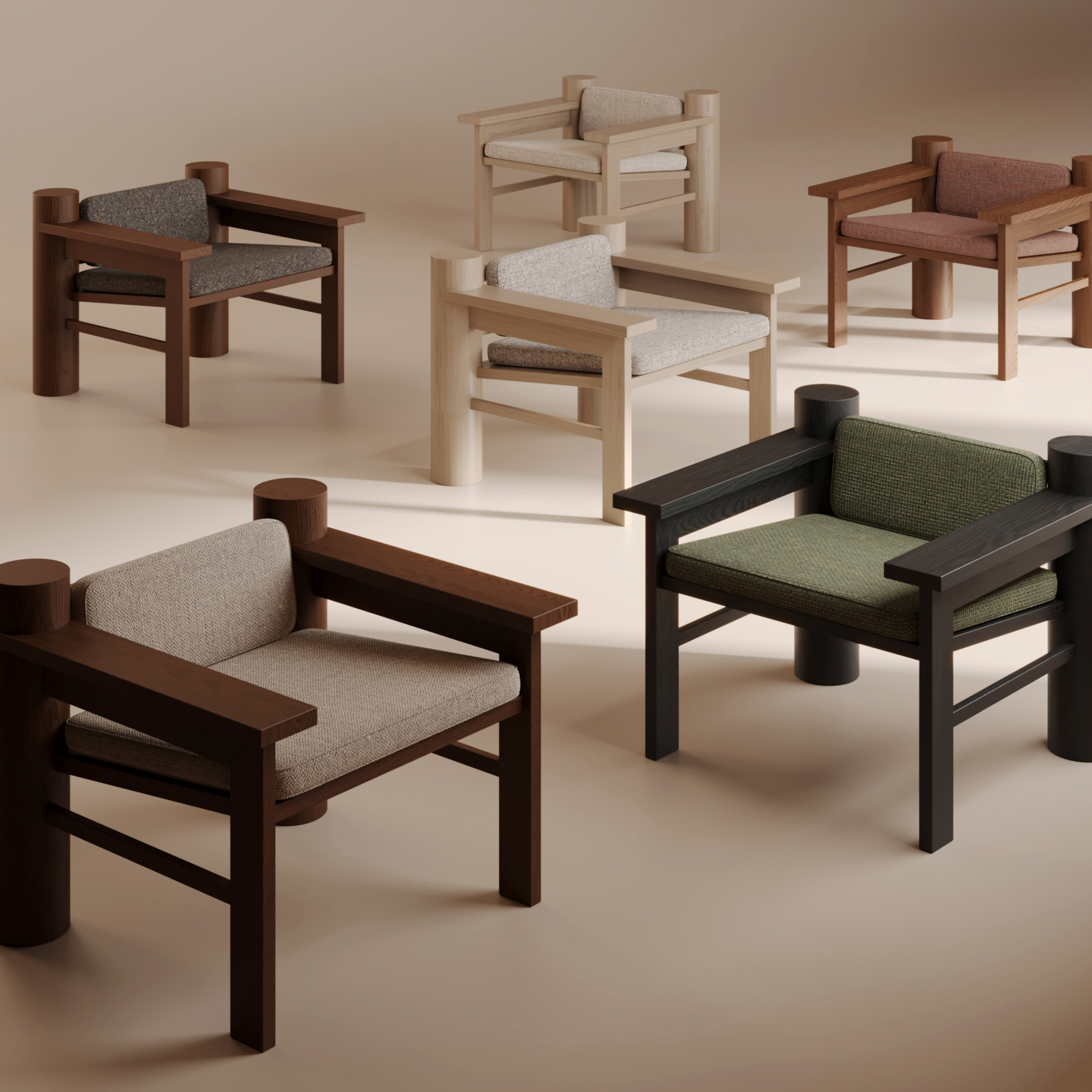
Color & Finish Variations
Show every color and finish from a single model for swatches, configurators, and listings.
Show Your Product in Motion.
Give shoppers a closer look with 360° spins, feature demonstrations, and short product videos for listings, ads, and social media.
Campaigns Designed to Turn Interest Into Sales.
Landing Pages Designed to Convert Visitors+
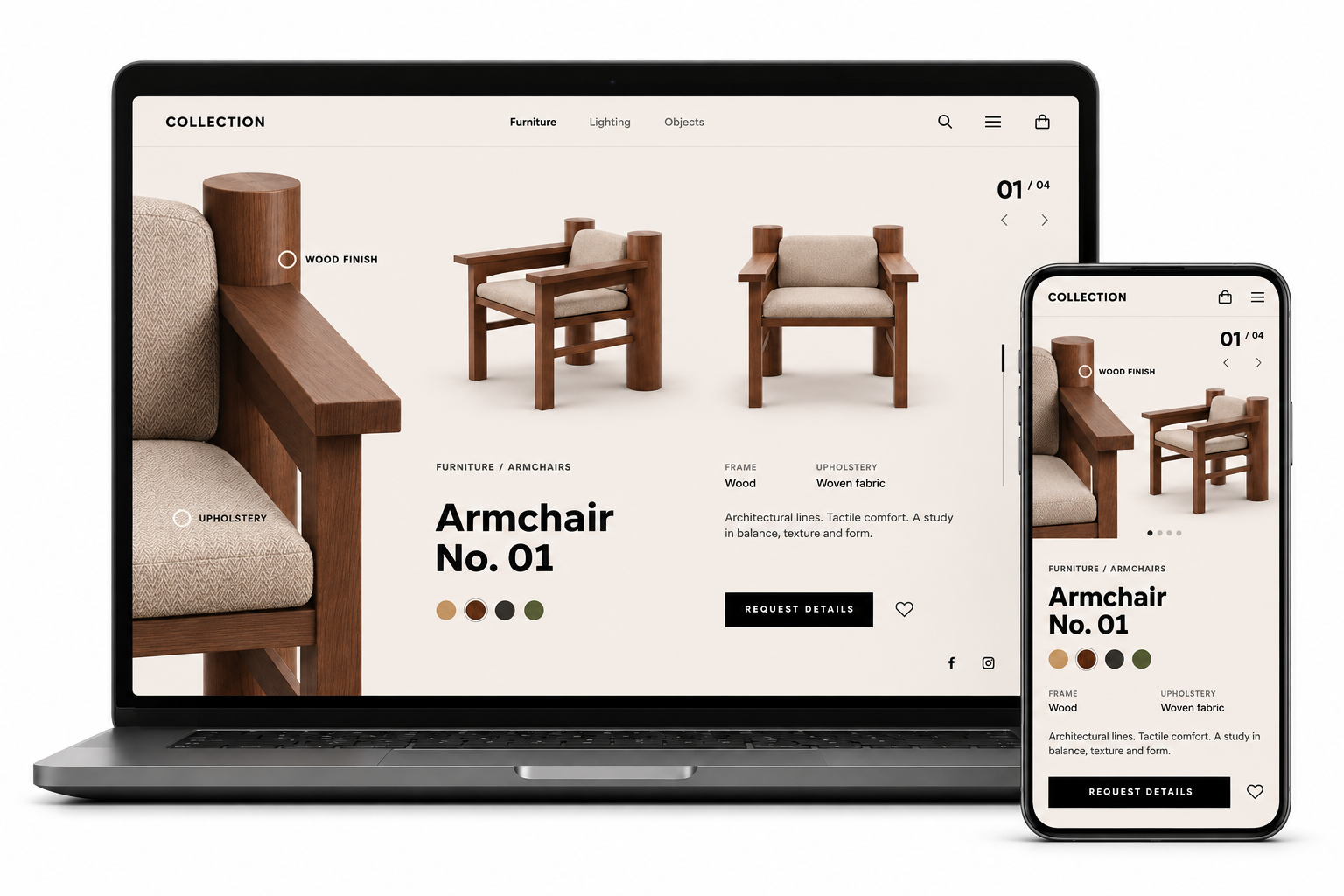
Give shoppers the details they need to choose your furniture: dimensions, finishes, close-ups, and room settings. Bring everything together on a focused page that guides them toward a purchase, sample request, or dealer inquiry.
Google Ads Campaigns+
Put your products in front of people already searching for furniture like yours. Direct those shoppers to the right product or collection, with campaigns measured against sales and qualified inquiries.
Facebook and Instagram Advertising+
Help shoppers discover your furniture and picture it in their homes. Use lifestyle visuals, product videos, and retargeting to introduce collections and reconnect with people who have already shown interest.
Email Campaigns+
Stay connected while customers compare options and plan their purchase. Share new collections, answer common questions, and follow up on abandoned carts to give interested shoppers a reason to return.
Influencer Campaigns+
Show your furniture through creators your customers already follow. Partner with relevant interior designers and home creators to demonstrate how your pieces look, fit, and function in real spaces.
From Product Brief to Final Visuals.
We review the 3D model with you, then agree on one main render that sets the direction for the rest of the image set.
Share Your Brief
Send your product photos, drawings, dimensions, and finish references. Tell us where you plan to use the images and what you want them to achieve.
Review the 3D Model
We share an untextured preview so you can check the product’s shape, proportions, and details before we apply materials.
Approve the Key Images
We apply the materials and create a first render to establish the lighting, background, and framing. Once you approve the key images, we use them as the reference for the rest of the series.
Create the Remaining Product Renders
We use the approved image as a reference for the rest of the set, keeping the visual style consistent as we adjust finishes or geometry for each product variant.
Create Lifestyle Images, If Needed
We propose a setting and styling for your product. Once you approve the first lifestyle image, we use it as the reference for the rest of the series.
Build Additional Launch Assets, If Needed
We can carry the approved visual direction into landing pages, product animations, and ad creative.
Tell Us What You’re Launching.
Send a product photo or drawing, the main dimensions, and where the images will appear. We’ll let you know what else we need to scope the project.
Request a quote →
My interest in design began with architecture, interiors, and the details I notice in nature. I started my career at a large design studio, where I spent many evenings learning the craft, eventually became a Lead Designer, and began thinking about opening a studio of my own.
When I started my business, I worked on both interior design and 3D projects. Over time, I found my focus in creating visuals—from architectural imagery to product animation—bringing spaces, materials, and objects to life for clients around the world.
Today, with over eight years of experience, I lead ZORIVISUALS. I bring the same curiosity and attention to detail to every project.
Outside the studio, I enjoy hiking, exploring nature, and spending time with my cats, Monroe and Bella.
Victoria Osypova
Founder & Creative Director, ZORIVISUALS
One Product, Three Views.